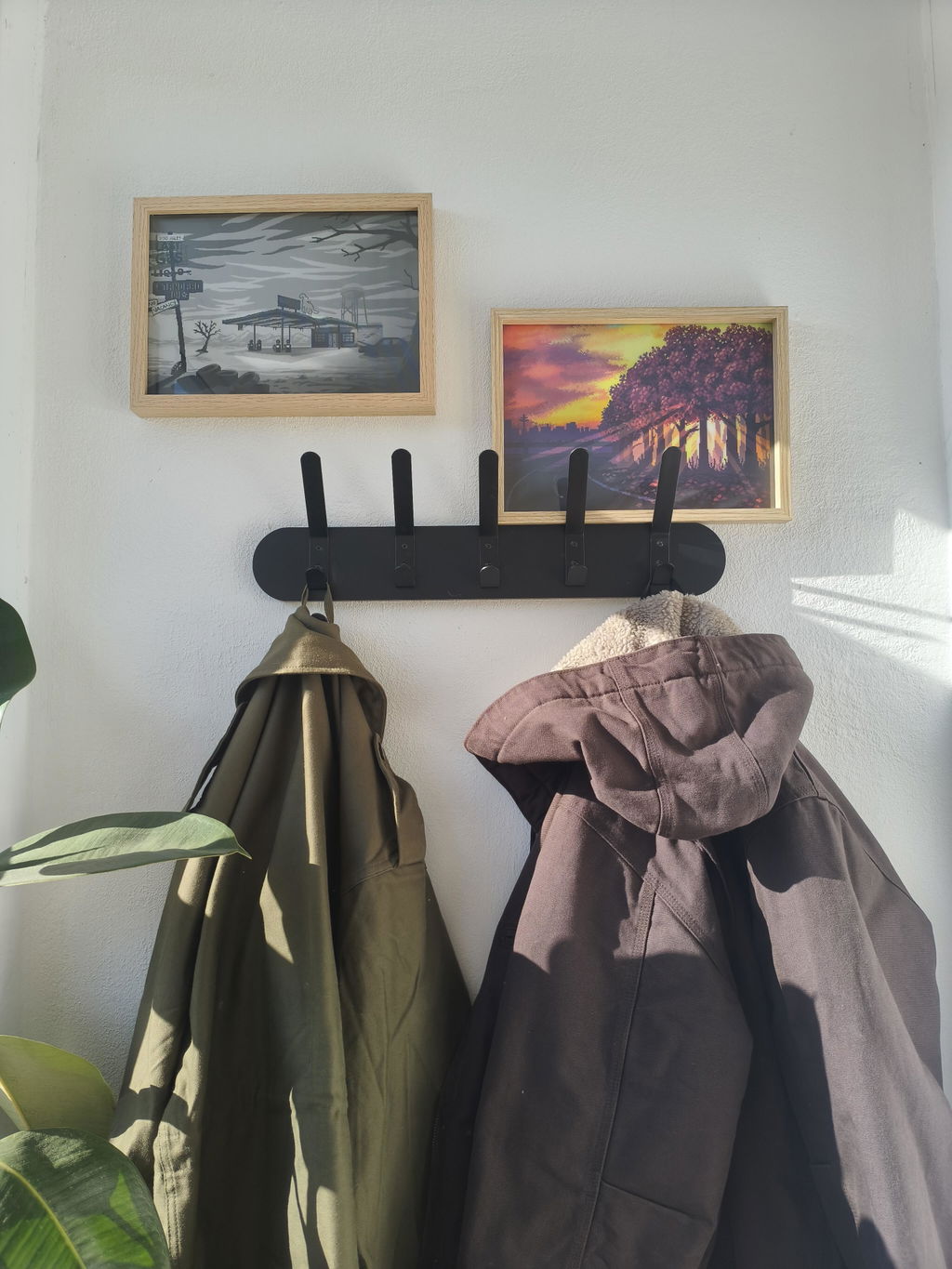

 Animated Prints
 City Maps
 Wallpapers & Fonts
 Enamel Pins
 New Arrivals
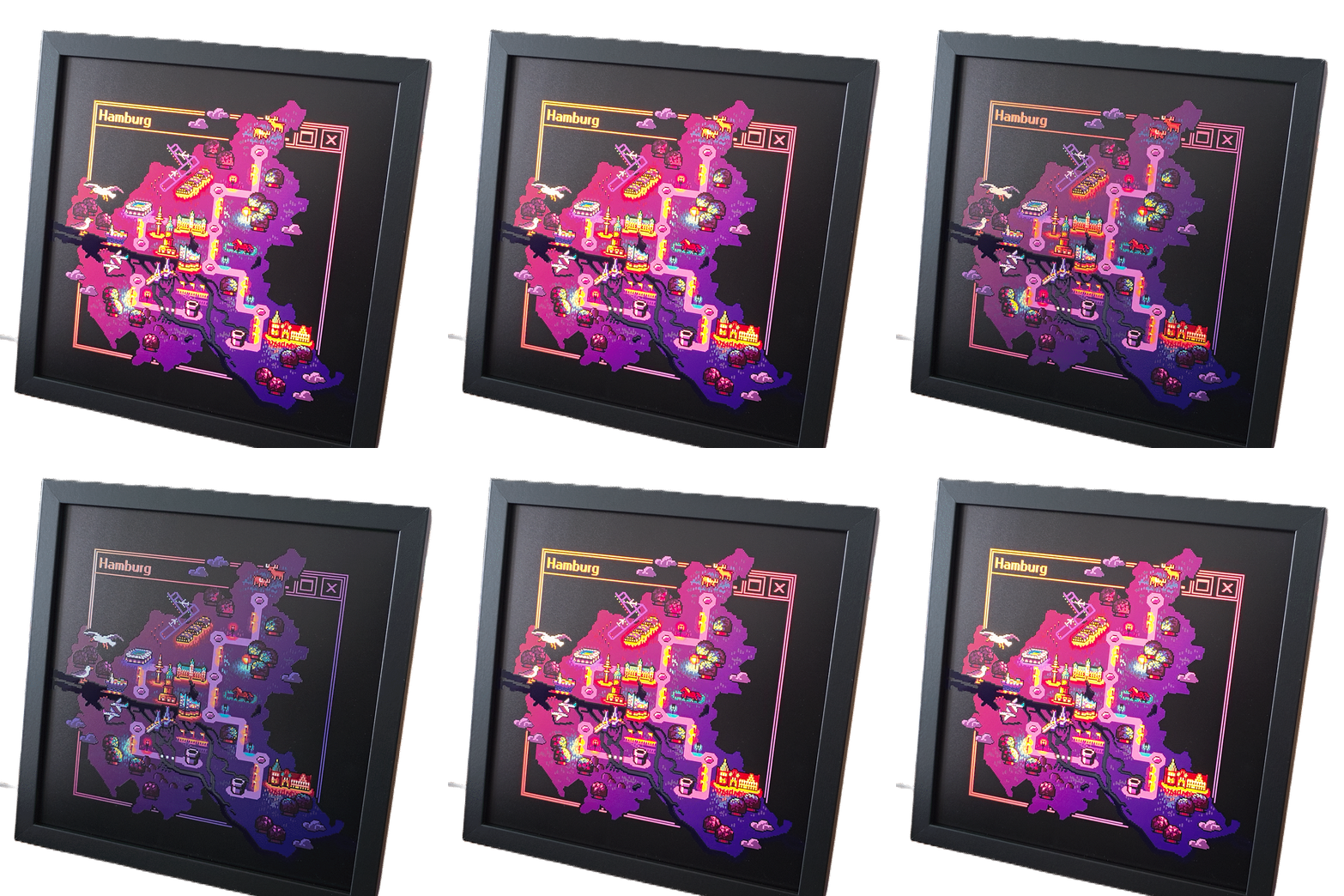
Lightboxes
When the lights go out, the artwork continues to shine. :-)
Drawn, printed and assembled by yours truly.
Recommended Power Banks
If you want to power your lightbox with a power bank, here are a few tips and tricks for what to look out for. Personally tested, but if you have any questions at all, let me know at stefanie@moer.tel anytime (or go to the contact form).
Low-Current Mode
Sometimes also called "Low-Power Mode". It's usually intended for charging small devices that don't draw a lot of power. If your power bank does not support it, then you'll notice the power bank turning itself off some time after you power off the lightbox. Definitely not a big deal but you'd have to unplug and plug in again the cable of the lightbox the next time you want to use it.
If you already own a power bank, check out its manual on whether you can activate a low-current mode by pressing or long-pressing certain buttons. A small trick to try is using the USB-C adapter included in the package with your lightbox: Use it to connect your lightbox to a USB-C port. If the power bank supports it, it will detect that a device is still plugged in and stay on continuously.
Which One to Choose?
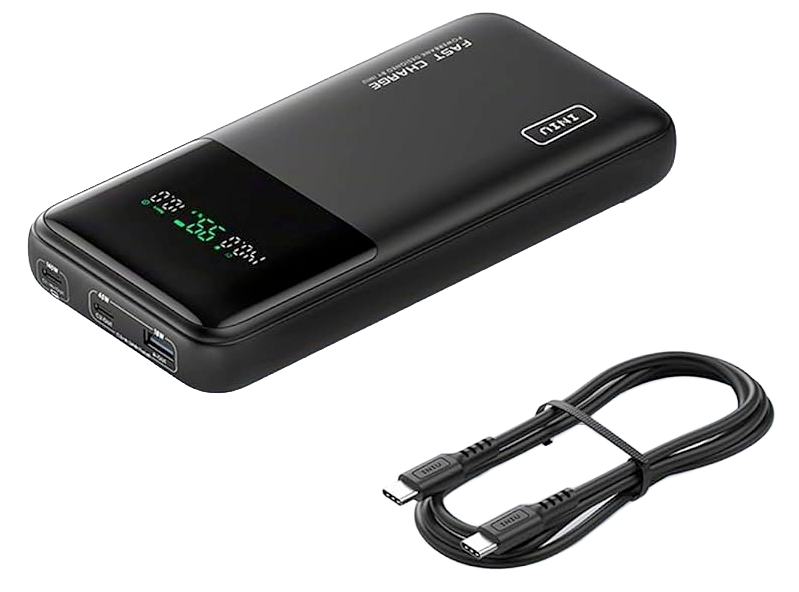
If you don't yet own a power bank, here's my personal recommendation: The INIU BI-B64 with 27000 mAh. I've been using multiple devices of this model for a couple of years (mostly to power lights at my booth during conventions) and never had any issues with them. INIU offers a 3-year warranty, too. Not all INIU power banks have a low-current mode but this one will stay on continuously when you use the USB-C port with the adapter included with your lightbox. (Warning: It's big and heavy.)
Runtime
One of the biggest and still affordable power options is currently a 27000 mAh power bank. Here's a quick rundown of how long you can expect a single charge to last with some average daily use of your lightbox:
| Helligkeit | Watt | Leuchtdauer | Typischer Gebrauch 4 Std. pro Tag |
|---|---|---|---|
| Stufe 1 (dunkelste) | 0,6 W | ca. 140 Std. | 35 Tage |
| Stufe 2 | 1,5 W | ca. 55 Std. | 13 Tage |
| Stufe 3 | 2,4 W | ca. 35 Std. | 9 Tage |
| Stufe 4 | 3,3 W | ca. 25 Std. | 6 Tage |
| Stufe 5 | 4,2 W | ca. 20 Std. | 5 Tage |
| Stufe 6 (hellste) | 5,1 W | ca. 16 Std. | 4 Tage |
Beispielwerte für eine 27.000-mAh-Powerbank. Tatsächliche Laufzeiten können natürlich abweichen.